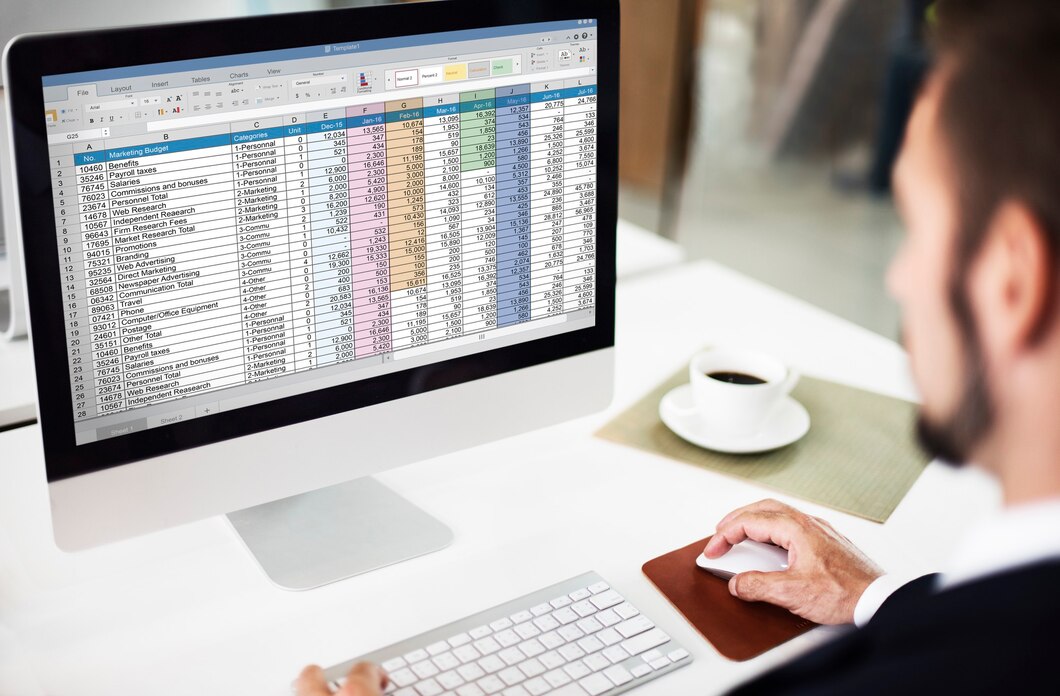
Microsoft Excel is a powerful tool for data analysis and documentation, featuring an interface of columns and rows where each intersection forms a “cell” that holds individual pieces of data or information. Organizing data in this structured manner makes it easier to locate specific information and allows for automatic updates as data changes. This course covers the basics of opening an Excel document, creating a spreadsheet from scratch, writing formulas, and saving your work to your computer.
In this course, you will quickly become comfortable navigating the entire Excel dashboard, including its tabs, ribbon, and various tools. Whether you are a beginner or have some experience with Excel, this course will enhance your skills and confidence in using Excel for a variety of tasks, from simple data entry to more complex data analysis.